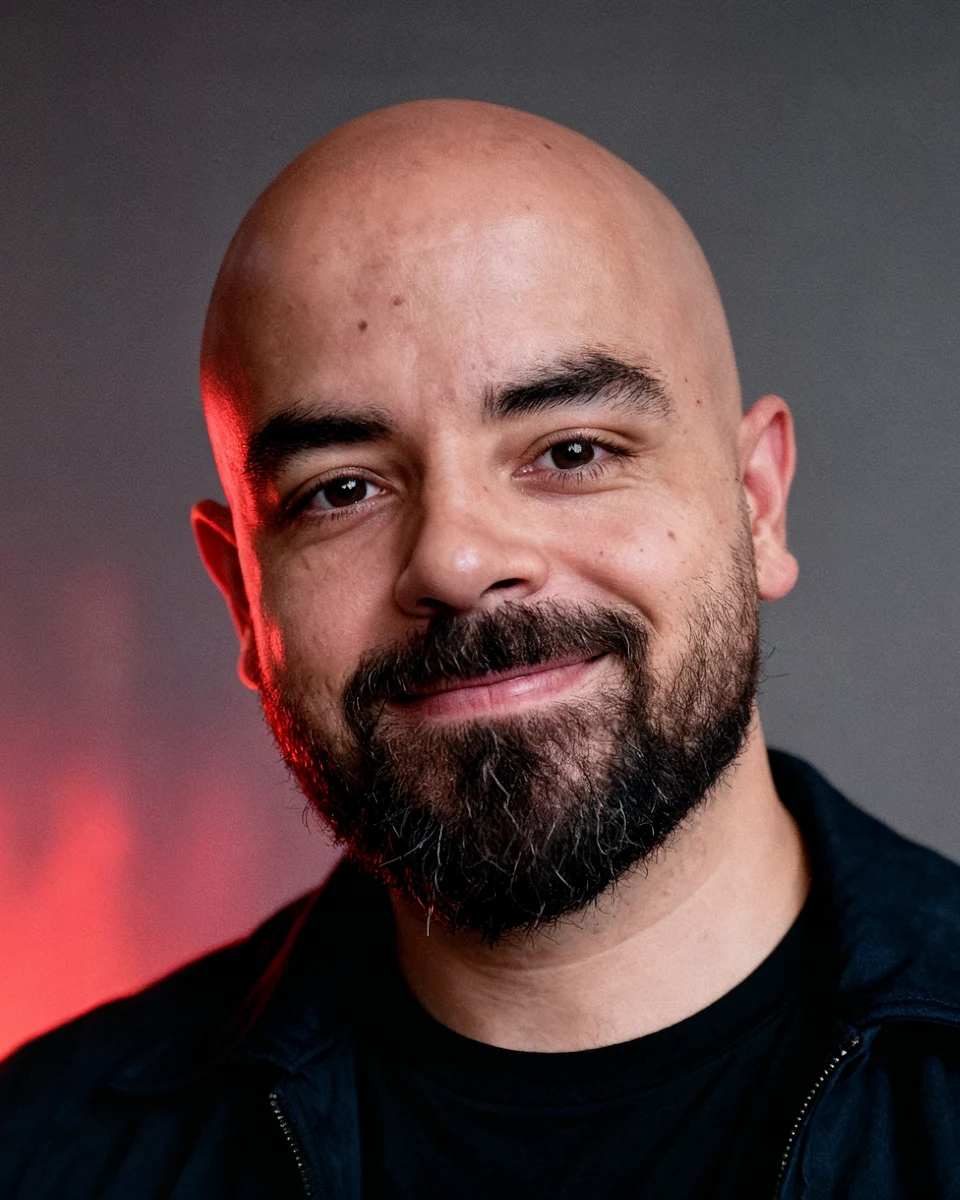
The AI cat fighter trend
This cat just ended my fighting career. Here is how to make it with your cat.
Tools in this guide: ChatGPT
Use your photo, your cat's photo, and the original clip to recreate the trend with more accurate motion and camera matching.
You will need: one clear photo of yourself, one clear photo of your cat, and the original reference video.
Step 1: Prepare Your References
- Choose a clear photo of yourself with your face fully visible.
- Choose a clear photo of your cat with its face and body easy to see.
- Save the original trend video. You will upload it as the motion reference in Higgsfield.
Step 2: Generate Your Fighter Image
Open ChatGPT, upload your photo, and paste the prompt below. Generate a full-body image before moving to the video step.
Image Prompt
Make a full-body image of this person on a white studio background. Make him look like a UFC fighter with the proper physique and gear. Do not add any branding, including UFC branding or other known trademarks.
Step 3: Create the Video in Higgsfield
Open Higgsfield and choose a video model that accepts image references and a reference video. Upload the files in this order:
1. Video 1: the original trend clip
2. Image 1: your cat photo
3. Image 2: your generated fighter image
Important: If Higgsfield assigns different reference numbers, update the @Video and @Image labels inside the prompt so they match your uploads.
Step 4: Paste the Motion Transfer Prompt
Paste the full prompt below, check the reference labels, and hit Generate.
Video Prompt
Transfer the motion, choreography, camera work, timing, framing, and overall visual progression from the uploaded reference video @Video 1 onto the new fighter @Image 2 and cat @Image 1 reference images. Recreate the video as closely as possible to the reference, while replacing only the original fighter with the provided bald, bearded muscular fighter and the original cat with the provided gray tabby cat.

Preserve the exact sequence of actions and camera behavior from the reference: begin with the same distant view through the cage, then transition into the same close ground-level framing and follow the same progression of shots, maintaining the same camera height, perspective, lens feel, camera movement, push-ins, reframing, and timing.

The new fighter must perform the same body movements as the fighter in the reference, matching his exact body positioning, arm movements, leg positioning, rolling and ground movements, reactions, and changes in posture frame by frame. Keep the new fighter's bald head, beard, facial structure, muscular physique, black MMA gloves, and black fight shorts consistent throughout.

The cat must perform the same movements as the cat in the reference, including its position on the fighter, weight shifts, paw movements, body rocking, head movement, posture changes, and final positioning. Preserve the natural feline motion and make the cat remain physically grounded on and interacting with the fighter throughout.

Match the reference's ground contact and physical interaction extremely closely. Preserve the way the fighter's body presses into and moves against the floor, the cat's weight on his torso, the compression and movement of the bodies, and the subtle secondary movements caused by their interaction.

Maintain the reference's arena environment, cage background, audience, lighting, floor, shallow depth of field, realistic handheld camera feel, motion blur, focus changes, and cinematic realism. Do not redesign the environment or introduce new shots.

Reproduce the reference's redness, flushed skin, sweat, skin tone changes, small impact and reaction details, and realistic physical appearance on the new fighter. His skin should become naturally flushed or red in the same areas and at the same points in the sequence as the original fighter, without looking painted or exaggerated.

The final result should feel like the same original video with the characters swapped, not a new interpretation. Do not alter the choreography, shot order, camera movement, pacing, framing, or timing. Do not add branding, logos, text, watermarks, or recognizable trademarks. Prioritize temporal consistency, accurate motion transfer, realistic anatomy, realistic cat behavior, and precise correspondence to the reference video.
Tips for a Better Result
- Use the original clip as the video reference. This is the key step for matching the choreography, framing, and timing.
- Use clear, high-resolution images with unobstructed faces and bodies.
- Keep the reference assignments consistent throughout the prompt.
- If the first generation drifts, retry with the same references before changing the prompt.
- Avoid brand logos, visible trademarks, text, and watermarks in the generated scene.
More guides
All guides · All AI tools · Prompts · HandlyTech