Higgsfield slash commands: 13 photos from one selfie
Type a slash command on your phone and Higgsfield turns one selfie into clones, a fisheye, a drone shot, a security cam frame and more.
Tools in this guide: Higgsfield
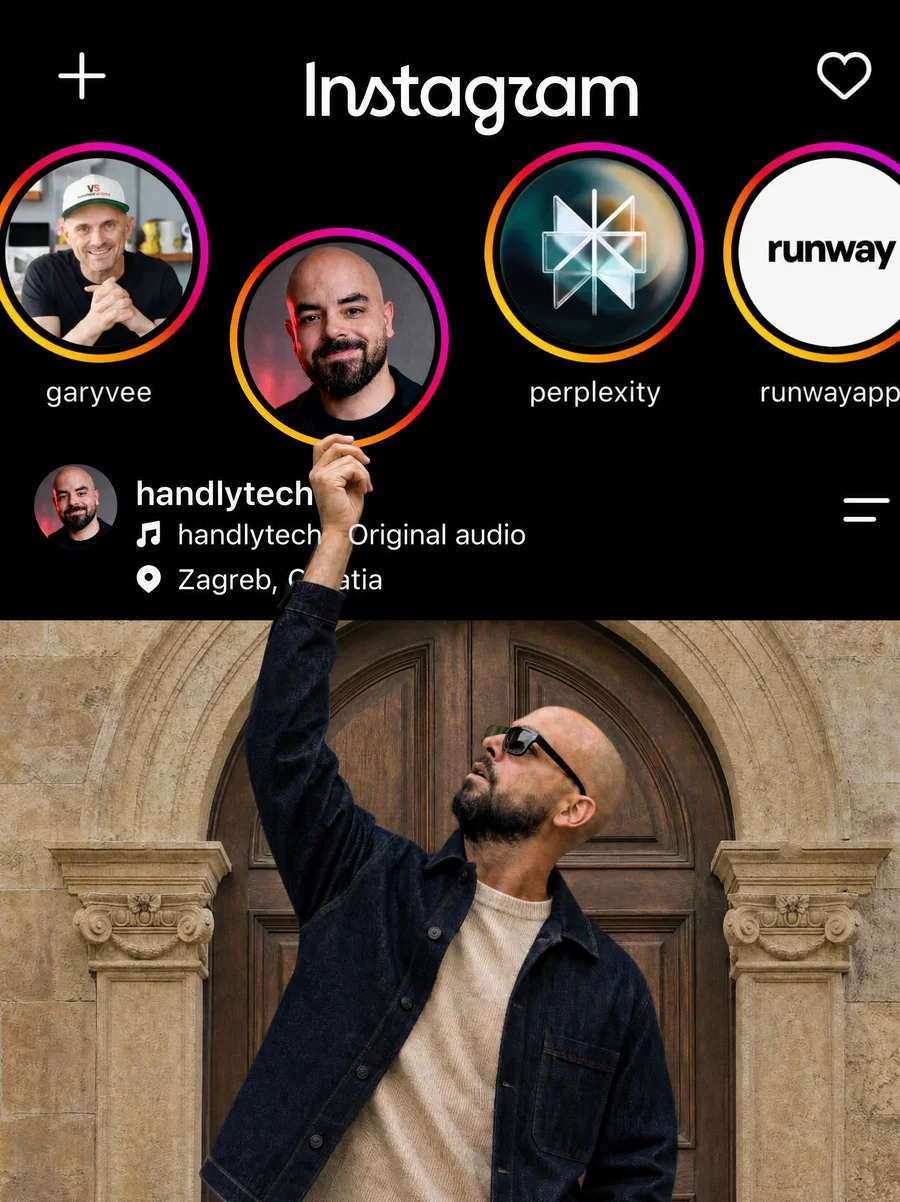
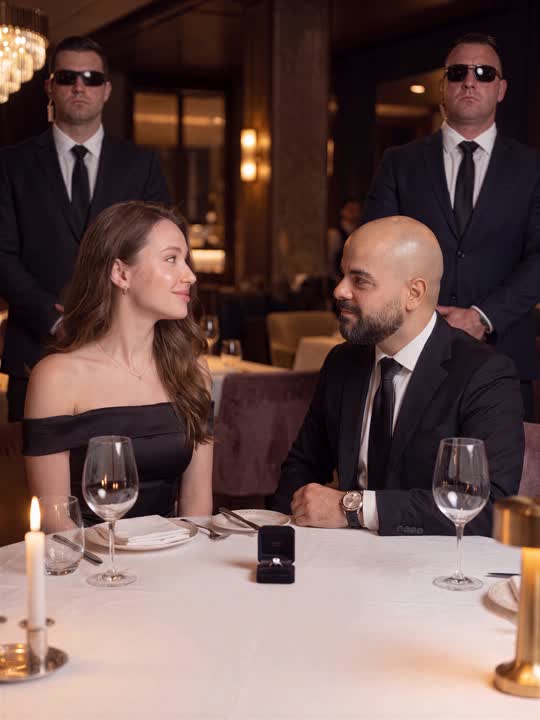
One selfie, one slash command, a completely different photo. All on your phone in Higgsfield. Here are the 6 from the video plus 7 more.
How to use them
1. Open Higgsfield on your phone.
2. Open the left menu and tap Create.
3. Attach a normal photo of yourself. Casual phone selfies work best.
4. Type a command below and set the size to 9:16 (4K and High Quality if you have them).
5. Send it. Then try the next command on the same photo.
The 6 from the video
1 · `/clones` · 5 copies of you in one photo
2 · `/fisheye` · Real 8mm circular fisheye shot
3 · `/droneview` · Drone shot from high above
4 · `/securitycam` · Security cam frame with CAM 01 and timestamp
5 · `/pov` · Walking selfie POV shot
6 · `/cinematic` · Golden hour movie still
7 more to try
7 · `/flash` · Direct flash photo, party style
8 · `/closeup` · Tight close-up of your face
9 · `/low` · Low angle shot looking up at you
10 · `/echo` · Motion echo, ghost trails of you
11 · `/carview` · Shot from inside a car
12 · `/flashshake` · Flash photo with motion blur
13 · `/doorpeephole` · Seen through a door peephole
Start with /clones and /fisheye. Those two get the biggest reaction.
Found this useful? Save the guide and share it with someone who posts selfies every day.