From CCTV footage to cinematic scenes
Claude watches your CCTV clip second by second and writes the Seedance prompt for you.
Tools in this guide: Claude, Higgsfield
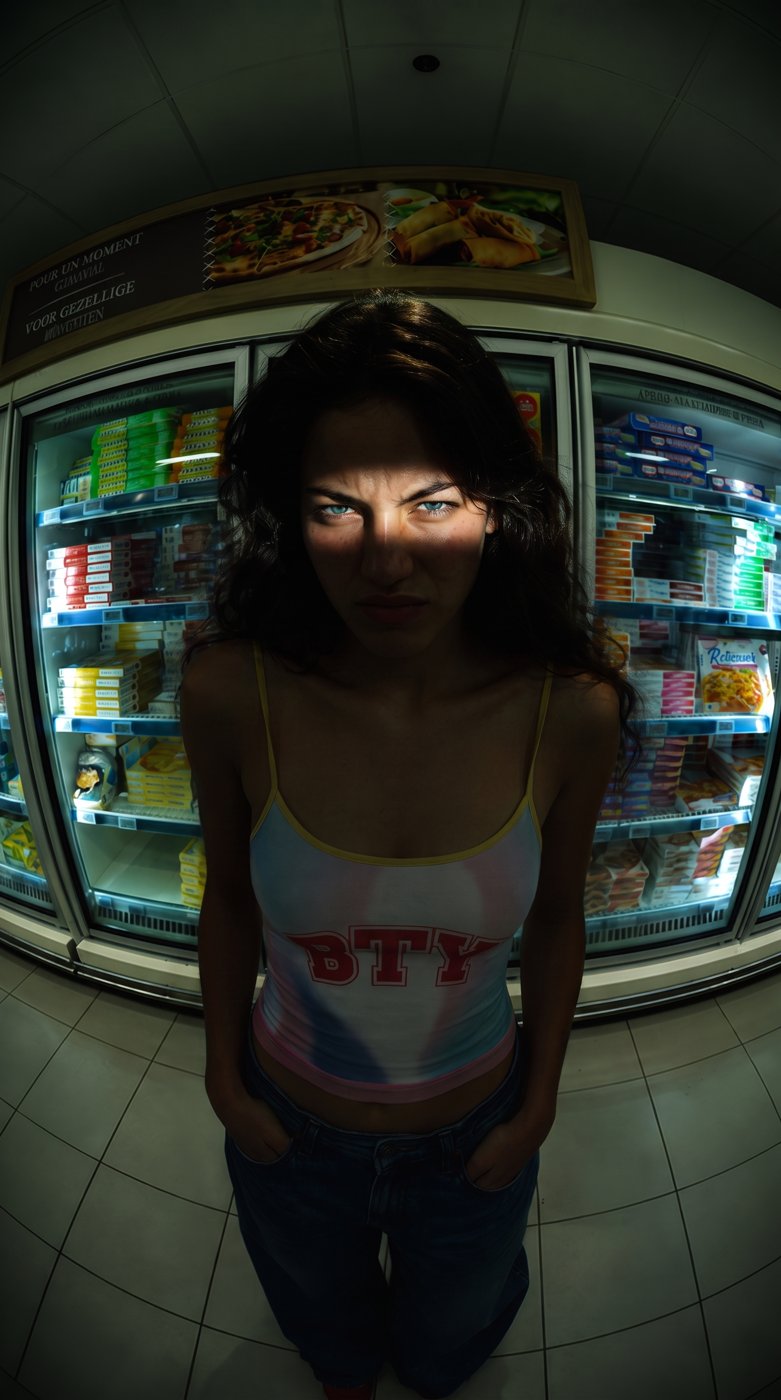
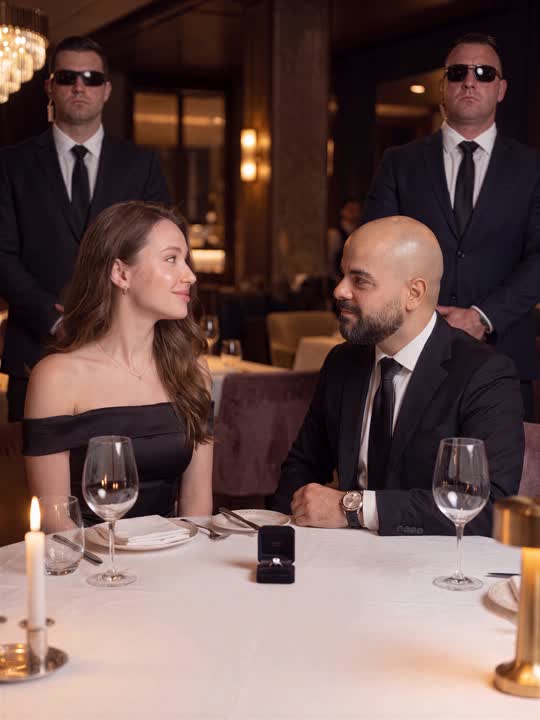
A real security clip, remade as a movie scene. Same second, same moves. Claude does the hard part: it watches the clip and writes the whole prompt.
1. Upload your CCTV clip to Claude
1. Open Claude
2. Attach your CCTV clip. Best clips: one fixed camera, no cuts, under 30 seconds, one clear wow moment.
2. Paste this prompt
You are a film director and Seedance 2.5 prompt expert. I attached a real CCTV clip. Turn it into ONE ready-to-paste Seedance 2.5 prompt that recreates the exact same moment as a cinematic, photorealistic movie, perfectly synced to the CCTV second by second, so I can stack the AI version on top of the CCTV in a vertical video.

STEP 1: WATCH THE CLIP PROPERLY
Use code to open the video and pull frames every 0.25 seconds with timestamps (ffmpeg or OpenCV). Look at every frame. Zoom into the key action. If you cannot open video, tell me and ask me for screenshots every 0.5 seconds instead.
If the clip has cuts, zooms, replays or news graphics, tell me and use only the longest continuous shot.
If someone is seriously hurt or it shows a violent crime, stop and tell me to pick another clip.

STEP 2: MAP THE CLIP (seconds to one decimal)
- Every action in order: who does what, and exactly when
- When each person, animal or vehicle FIRST appears, and from which side
- The exact second of the peak moment
- Which way everything faces and moves
- Everything in the background, and when it passes (or that nothing passes)
- Every person, object and vehicle: exact look, clothes, colours
- Light, weather, time of day

STEP 3: WRITE THE SEEDANCE PROMPT
Plain English, no names, no brands, no logos, no readable plates or signs. Never write "real event" or "reconstruct". Write "the attached source video is a fixed security-camera recording of this sequence".
Include these sections, in this order:
1. HEADER: photorealistic live-action cinematic sequence, horizontal 4:3, exact length, number of hard-cut shots (about 1 shot per 2 seconds), tone.
2. SCENE CONTEXT: the whole story in 5 sentences, and whose film it is.
3. REFERENCE CONTROL: the source video controls bodies, timing, directions, every action and the layout only. Its viewpoint, framing, lens, colour, zooms and graphics have no authority. Shot timecodes match source timecodes one to one; nothing restarts or repeats. Not one frame ever copies the source picture or angle.
4. SYNC CHECKPOINTS: every key action on its exact second, "never later", plus the exact list of cut times. Make the first shot about 2.4 seconds long (Seedance tends to stretch the opening).
5. CAMERA AUTHORITY: cameras 0.1 to 1.8 m high, tilt down 10 degrees or less, never on a pole or roof, never seen from above, never the CCTV angle. No wide or medium shot looks in the same direction as the CCTV camera. Moving vehicles in wide shots move toward or away from the camera, never sideways across the frame like on the CCTV.
6. WORLD MAP: one compass for the whole film (main direction of action = NORTH). Where every fixed thing is, and what is NOT there (no invented curbs, walls or fences).
7. ENTRY LOCK: for each person who appears later: where they never are, where they come from, and "they do not appear before [second]".
8. ORIENTATION LOCK: which way each subject faces, and "every camera looking NORTH sees..., every camera looking SOUTH sees...".
9. SPATIAL LOCK: the key distance over time in body or vehicle lengths, and the gap at the peak.
10. BACKGROUND SCHEDULE: exactly what moves in the background and when, and nothing else.
11. CAST: every person and key object described in detail and identical in every shot. Lock the details with "never" rules (for example "a complete snowman with a head and carrot nose, never a single snowball"). Anyone at risk is safe and unharmed throughout.
12. FIRST FRAME: the story is readable in frame one.
13. SHOT LIST: for every shot: "00:00.0 to 00:02.4 | SHOT 1 | TYPE", camera position, height, compass direction, lens angle, what is in frame, and the action on its exact second. Every shot is a different camera idea: faces, hands, details, ground level, inside vehicles. The peak shot is WIDE, full bodies head to toe.
14. EDITING, CAMERA MOVEMENT, PHYSICS, LIGHTING: hard cuts only, no slow motion, real-time speed, light matching the CCTV.
15. AUDIO: real sounds only, each on its second. ABSOLUTELY NO MUSIC: no score, no piano, no strings, no melody, no instruments. No speech, no singing, no humming, no narration.
16. STYLE: grounded feature-film realism, natural understated acting, small real expressions, no exaggerated faces, no mugging.
17. CONSTRAINTS: exact head count, everything identical after every cut, every action happens once in order, nobody ever looks at the camera, no text or watermark anywhere.

STEP 4: REPLY WITH EXACTLY THIS
1. What happens in the clip, in 3 lines, including the peak second.
2. A short sync table: second, CCTV action, AI shot.
3. The full Seedance prompt in ONE code block so I can copy it in one click.
4. Settings: aspect ratio 4:3, duration = clip length rounded UP to the next whole second.
5. A download of my CCTV clip cropped to 4:3 (only the real footage, no black bars or graphics) and muted, ready to upload to Seedance.
Use no em dashes anywhere.
Claude watches the clip second by second and gives you back the full Seedance prompt, the settings, and a clean, muted version of your clip.
3. Generate it in Seedance
1. Open Seedance 2.5 on Higgsfield
2. Upload the clean clip Claude gave you.
3. Paste the prompt.
4. Set 4:3 and the duration Claude told you, then hit generate.
Not perfect on the first try?
Send the result back to Claude with the CCTV clip and say: "Compare this second by second with the CCTV and fix the prompt." Then generate again.