Make your own AI influencer
Build a character from zero in Higgsfield, then make him copy any video.
Tools in this guide: Higgsfield
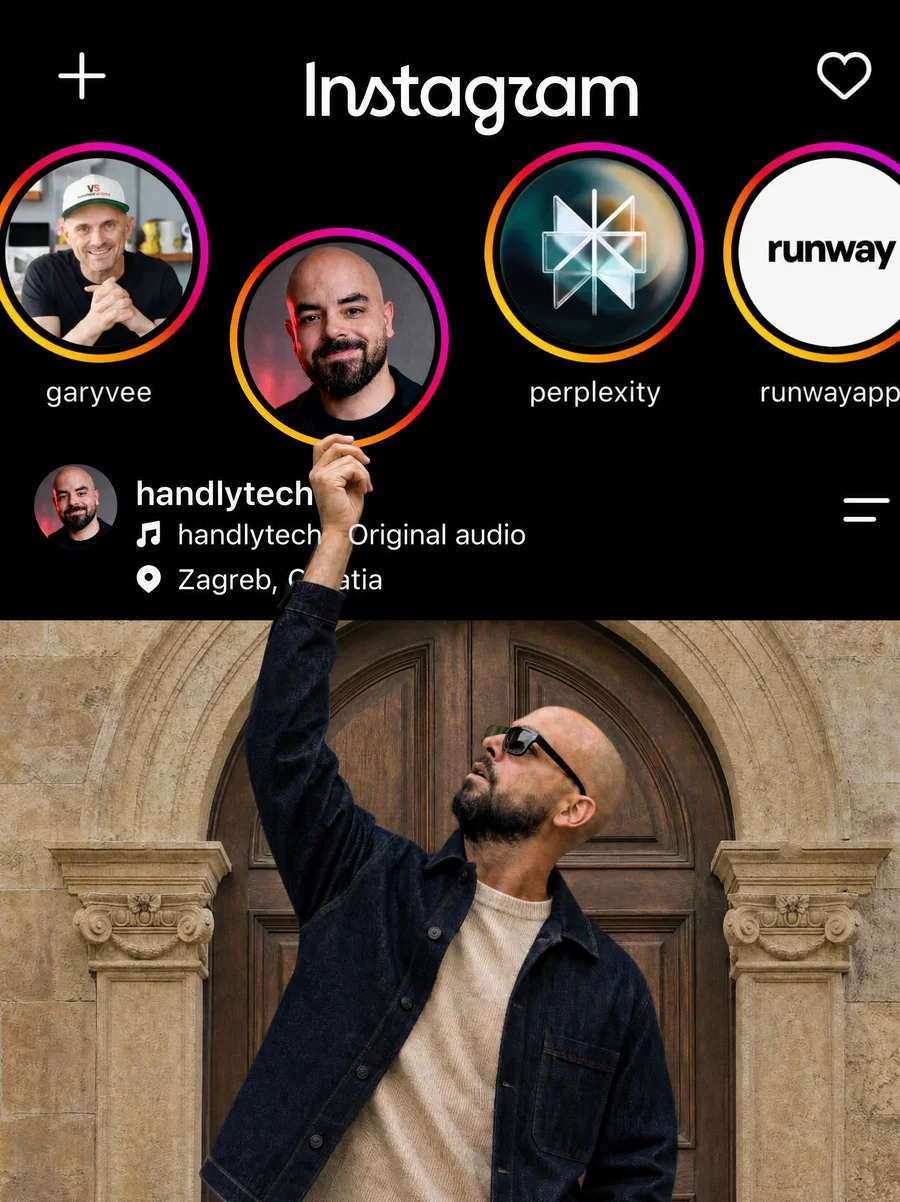
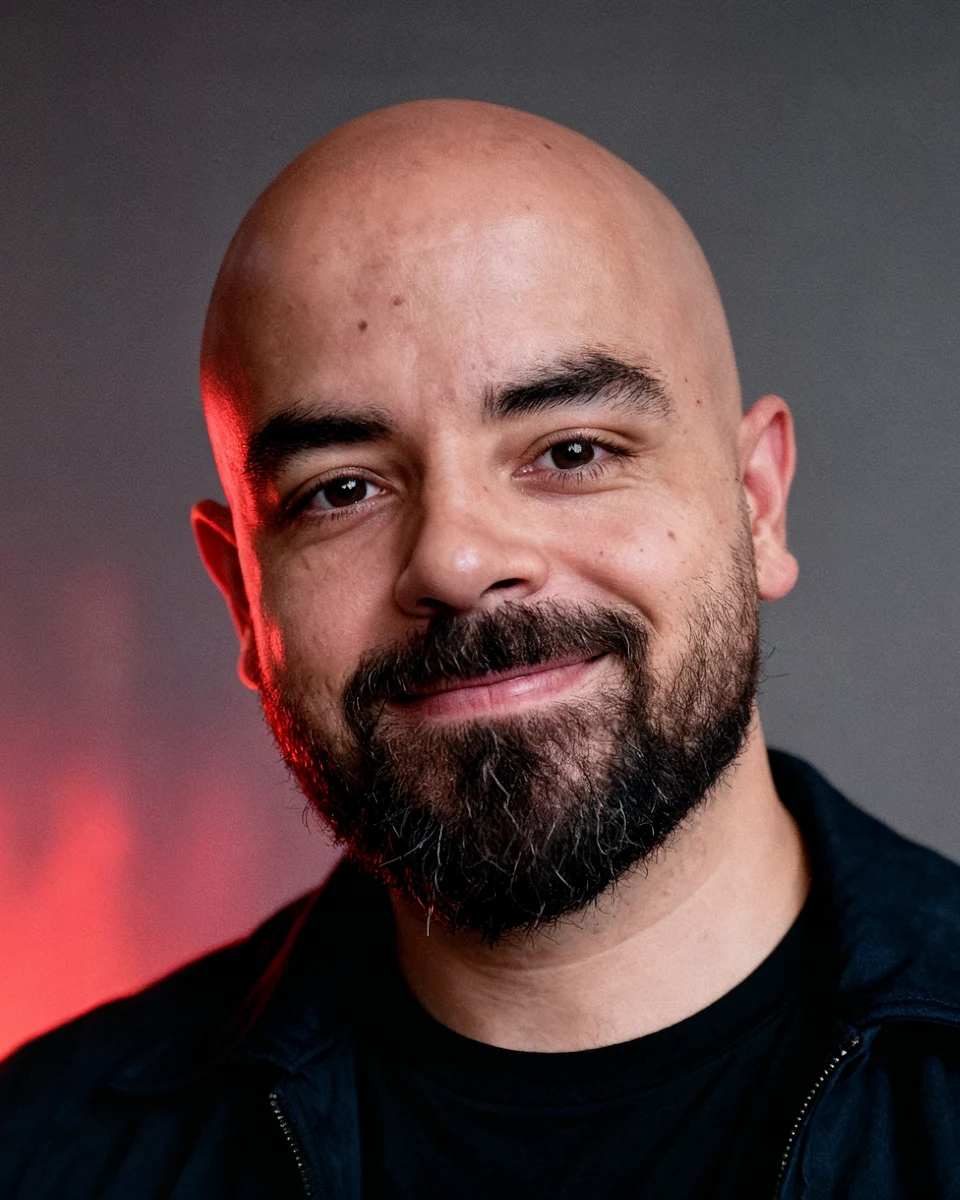
The guy in my video is not real. I built him from scratch in Higgsfield, then made him copy a real video. Here is how to make your own. It is free to try.
Open it here: Higgsfield AI Influencer
1. Build your character from zero
1. Open Higgsfield AI Influencer and start a new character.
2. Pick the face.
3. Pick the body and proportions.
4. Pick the hair and the outfit. The weirder and more memorable, the better.
Tip: make someone you would remember right away. A strange haircut, an unusual shape, one signature outfit.
2. Give him a video to copy
1. Open Genjutsu inside Higgsfield.
2. Upload a video of a person moving or talking. It can be you.
3. Choose your character and generate.
He copies the moves, the gestures and the timing. Even the bad dancing.
3. Keep him the same in every video
Use the same face, hair and outfit every time. People follow a character they recognize.
4. Post it
Post your clips and say clearly that the character is AI. Do not copy a real person or another creator.
5. Submit it and get paid
Higgsfield has its own program for this, called Higgsfield Earn. It is free to join.
1. Open Higgsfield Earn and log in.
2. Connect your Instagram or YouTube account. They give you a short code to put in your bio so they know the account is yours.
3. Pick a campaign from your dashboard and read its rules.
4. Post your video, then paste the link into the dashboard.
5. If the video is approved, you get paid for it, with bonuses based on how it performs.
Good to know: not every account or video is accepted, and what you earn depends on the campaign and your views. The current amounts and limits are on the Higgsfield Earn page.
Start here: Higgsfield AI Influencer
More guides
All guides · All AI tools · Prompts · HandlyTech