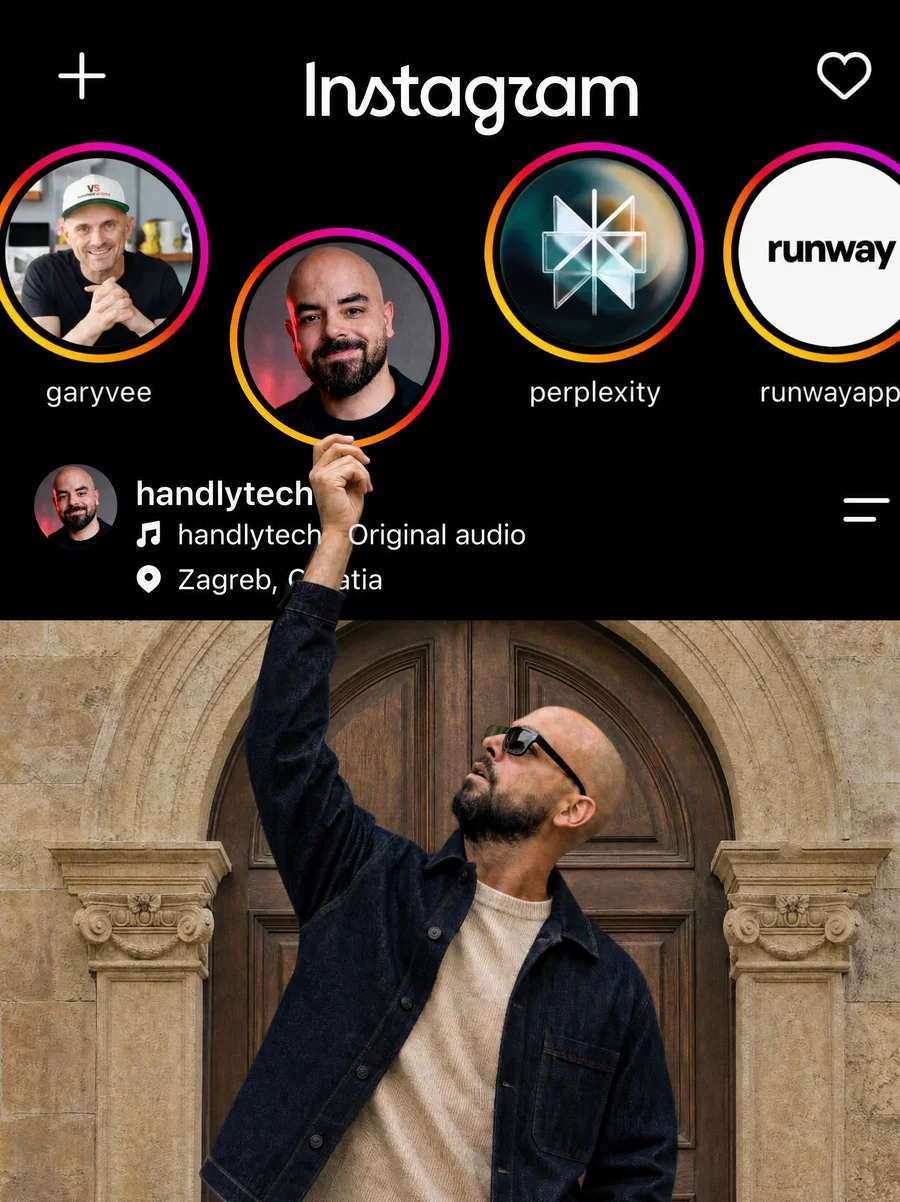
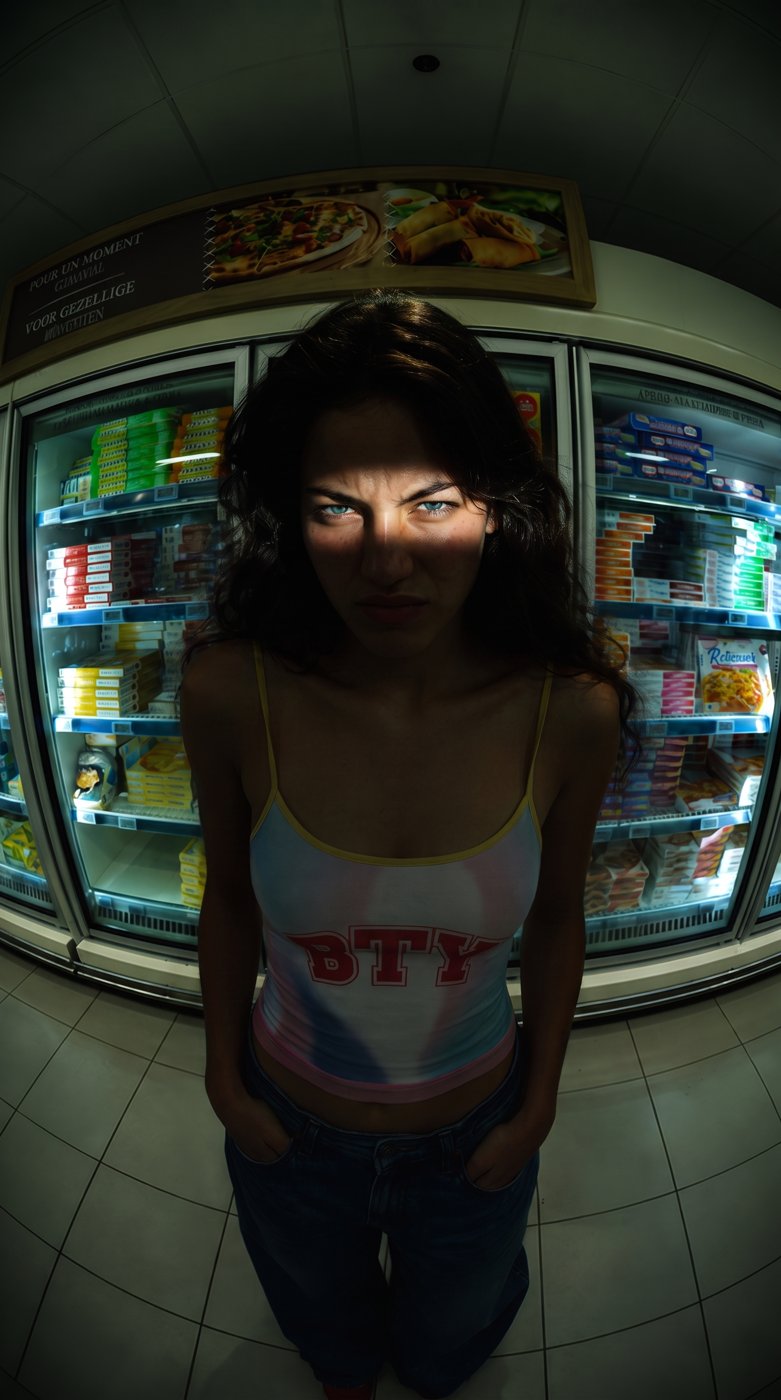
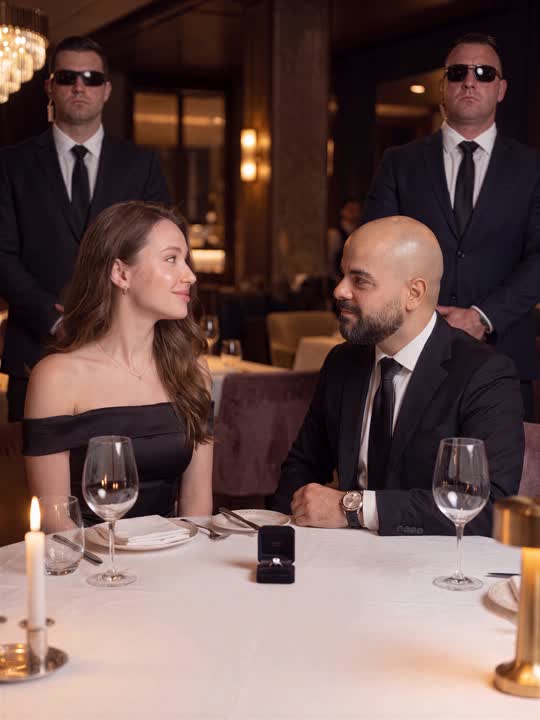
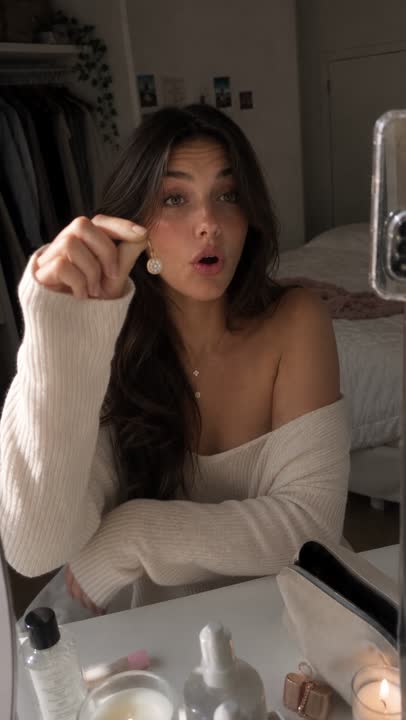
Private jet trend from my room
A torn armchair and a paper window turned into a private jet with a fighter escort.
Tools in this guide: Higgsfield
Handly Tech · @handlytech The full guide for my private jet video. One real clip from your room, one AI image, one AI video.
What you need
- [ ] Your phone on a tripod
- [ ] A chair and a small side table
- [ ] A sheet of paper cut into an oval
- [ ] Nano Banana Pro (for the image)
- [ ] Higgsfield Genjutsu (for the video)
Step 1: Film yourself at home
1. Tape the paper oval on the wall next to your head. This becomes the jet window.
2. Put your phone on a tripod, filming horizontally, at chest height.
3. Sit back and do 3 or 4 simple things in 20 to 25 seconds: talk on the phone, wave at the "window", take a drink.
💡 The AI copies the shape of every object. A book standing open becomes a laptop. A pillow on your lap becomes something soft, like a bag of cash. Pick props that already look like what you want.
Step 2: Make the jet version of your first frame
1. Take a screenshot of the first frame of your video
2. Open Nano Banana Pro, upload the screenshot, paste this prompt and generate
Transform this room into the cabin of an ultra-luxury private jet in flight, keeping the exact same camera angle, layout and composition. Keep the person's face, hair and pose exactly the same. The chair becomes a cream leather jet seat with walnut trim. The table becomes a polished walnut jet side table. Anything on the table becomes a luxury version of itself (an open book becomes an open silver laptop). The oval paper on the wall becomes a real oval airplane window with bright clouds. Through the window, a grey fighter jet flies alongside us, with its pointed nose at the RIGHT edge of the window and its tail at the LEFT edge. The walls become cream leather panels and walnut cabinetry, the floor becomes cream carpet. Outfit: tailored navy suit, white shirt open at the collar, gold watch, brown suede loafers. Warm golden cabin lighting. RAW photo, shot on ARRI Alexa, realistic skin texture, not CGI.
Step 3: Turn your video into the jet
1. Open Higgsfield, choose Genjutsu, then Motion transfer
2. Upload your video
3. Add the jet image from Step 2 first (Image 1), then a clear photo of your face (Image 2)
4. Paste this prompt, set 1080, and generate
Same moves, same timing, same camera angle and same static camera as the reference video, set inside the private jet cabin from @image1. The person's face is exactly the face from @image2, clearly recognizable in every frame, and their facial expressions copy the reference video exactly. They wear the outfit from @image1. Outside the oval window, white clouds stream past the whole video. The grey fighter jet flies steadily alongside, and right after the person waves at it, it smoothly banks away and leaves the window. Anything thrown onto the lap becomes a black leather duffel bag full of cash. Any drink handed in from the side becomes a champagne flute on a silver tray, held by a flight attendant's white-gloved hand. RAW footage, shot on ARRI Alexa, 35mm lens, natural film grain, realistic skin, natural motion. Not CGI, not animated.
💡 The upload order matters: jet image first, your face second. Generate 2 times and keep the best one.
Step 4: Put it together and post
1. Stack them in your editor: AI version on top, your real video on the bottom, both starting on the first frame
2. Add music
3. Post it and tag @handlytech, I want to see yours 🔥
Want more AI tricks like this? Follow @handlytech on Instagram, TikTok and YouTube. More free guides: linktr.ee/handlytech
More guides
All guides · All AI tools · Prompts · HandlyTech