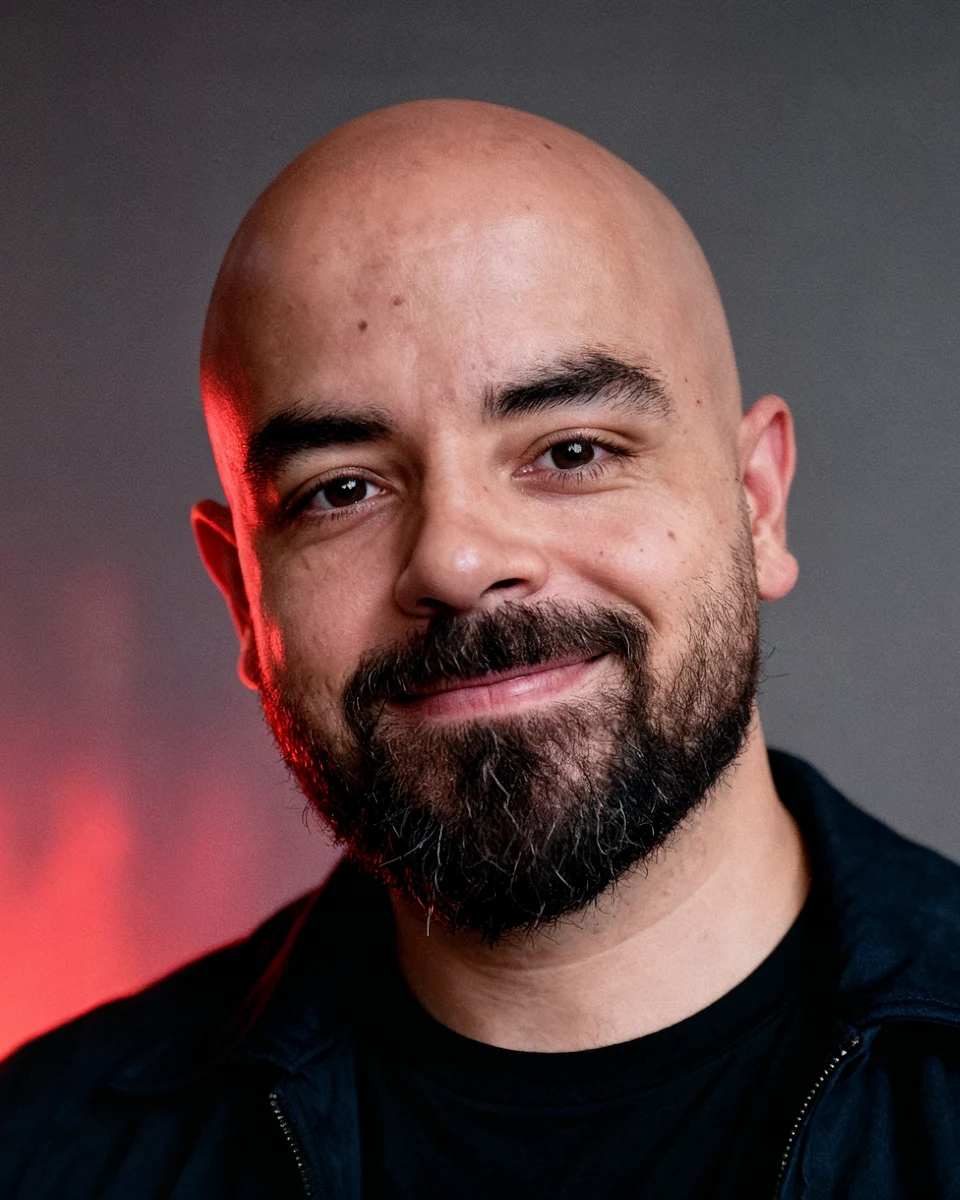
Viral outfit transition
Three photos in different outfits, one unbelievably smooth transition.
Tools in this guide: Kling AI
✨ Create this viral color-card outfit transition with your own photos using Seedance 2.5.
Watch and download the original video
Use this video as @Video 1, the motion and animation reference.
(Embedded video in the Notion page: "Original outfit-transition reference video". Open the Notion page to view/download it; the hosted file link expires.)
⬇️ Open the video menu to download the original MP4 before starting.
What you need
- The original reference video above
- Three clear photos of yourself, each in a different outfit
- A platform that provides Seedance 2.5
- The prompt included below
📸 Best results: Use full-body photos with your face and complete outfit clearly visible. Similar framing and lighting across all three photos will improve identity consistency.
Full workflow
1. Prepare your outfit photos
Take or select three photos:
1. @Image 1: Your first outfit
2. @Image 2: Your second outfit
3. @Image 3: Your third outfit
Three images were used for this exact result. You may use a different number, but you must update the outfit sections inside the prompt.
2. Open Seedance 2.5
Open Seedance 2.5 on any platform that supports one video reference and multiple image references.
3. Upload everything in this order
1. Upload the original video as @Video 1.
2. Upload your first outfit photo as @Image 1.
3. Upload your second outfit photo as @Image 2.
4. Upload your third outfit photo as @Image 3.
4. Personalize the prompt
Before generating, update these parts so they match your own photos:
- Change male/female wording if needed.
- Replace the clothing descriptions under OUTFIT 1, OUTFIT 2, and OUTFIT 3.
- Replace the color-card lists with the main colors from each outfit.
- Update identity details such as hair, beard, and body description.
⚠️ Do not skip this step. The tested prompt below describes the exact person and outfits used in the example. Customize those sections for your own images.
5. Copy the full prompt
Use the copy button in the top-right corner of the prompt block.
(The Notion page also has an attached file: "Download the complete prompt as a text file" (HandlyTech-Outfit-Transition-Prompt.txt). Its hosted link expires; the full prompt is below.)
The complete tested prompt:
REFERENCE VIDEO @Video 1  = ANIMATION MASTER. THIS IS A STRICT VIDEO-TO-VIDEO REPLACEMENT TASK, NOT A CREATIVE REINTERPRETATION.
The uploaded reference video is the absolute MASTER TEMPLATE for the animation.
Reproduce the reference video's animation as closely as technically possible.
DO NOT invent new movements.
DO NOT reinterpret the movements.
DO NOT create a similar animation.
DO NOT create an animation "inspired by" the reference.
COPY THE REFERENCE VIDEO'S ACTUAL MOTION CHOREOGRAPHY.
The ONLY things that should change from the reference are:
1. Replace the female character with the provided male character.
2. Replace the female character's poses with masculine equivalents.
3. Replace ALL original color palettes with colors from the male outfits.
EVERYTHING ELSE MUST REMAIN THE SAME.
==================================================
MOTION LOCK — HIGHEST PRIORITY
==================================================
Treat the reference video as an animation blueprint.
The generated video must follow the SAME:
- character position over time
- character rotation over time
- character scale over time
- character translation over time
- character tilt over time
- character orientation over time
- camera framing
- camera movement
- camera scale
- color-card positions
- color-card rotations
- color-card translations
- color-card scaling
- color-card layering
- card entrance timing
- card exit timing
- card overlap
- card perspective
- card movement direction
- card acceleration
- card deceleration
- motion blur
- speed ramps
- transition timing
- transition direction
- transition duration
- pauses
- rhythm
- overall 11-second timeline
The motion trajectory of the reference must be preserved.
If the reference character rotates clockwise at a particular moment, the male character must rotate clockwise at the SAME moment.
If the reference character rotates counterclockwise, reproduce the same counterclockwise rotation.
If the reference character moves upward, reproduce the same upward movement.
If the reference character moves downward, reproduce the same downward movement.
If the reference character scales up, reproduce the same scale-up.
If the reference character scales down, reproduce the same scale-down.
If the reference character tilts, reproduce the same tilt.
If the reference character is briefly motion-blurred during a fast movement, reproduce the same type and timing of motion blur.
DO NOT SUBSTITUTE THESE MOVEMENTS WITH DIFFERENT CAMERA MOVEMENTS.
The reference video's motion should essentially function as the animation data for the new male character.
==================================================
CRITICAL: THE CHARACTER IS A STATIC IMAGE
==================================================
The reference character behaves like a cutout/fashion photograph.
Reproduce that exact behavior.
The male character should NOT be generated as a continuously animated human.
Instead, create a realistic frozen photographic male model for each required pose and treat that photographic character as a SINGLE RIGID VISUAL LAYER.
The entire character image moves as one object.
ANIMATE THE CHARACTER IMAGE, NOT THE HUMAN BODY.
The body inside each pose must remain completely frozen.
No walking.
No dancing.
No continuous body movement.
No arm animation.
No leg animation.
No hand animation.
No facial animation.
No talking.
No breathing animation.
No shifting weight.
No natural live-action movement.
The entire frozen character cutout rotates/moves/scales exactly according to the reference.
Think:
REFERENCE = animated photograph.
NEW VIDEO = the same animation applied to a different male fashion photograph.
==================================================
INTRO MUST BE IDENTICAL IN STRUCTURE
==================================================
DO NOT SKIP THE INTRO.
The first part of the reference video contains a specific back-facing character composition.
Reproduce that exact introductory structure.
The video must begin with the male character in the equivalent of the reference video's initial BACK-FACING / TURNED-AWAY pose.
He must initially be shown from behind.
Do NOT begin with the male character facing the camera.
Do NOT immediately show the front-facing fashion pose.
Do NOT replace the intro with a generic fade, zoom, or transition.
The male character's introductory silhouette, approximate position, size, orientation, and relationship to the surrounding color cards must correspond to the reference.
Then reproduce the EXACT SAME type of rotation/rearrangement that transitions the reference from the intro into the posing composition.
The intro is part of the animation template and MUST remain.
==================================================
BODY ROTATION LOCK
==================================================
This is extremely important.
When the reference character's entire body rotates, the male character must perform the SAME BODY ROTATION.
Do not replace a reference rotation with a camera orbit.
Do not replace a reference rotation with the man physically turning himself.
The male character should be treated as a flat photographic cutout whose orientation changes exactly like the reference character.
Preserve:
- front-facing orientation
- rear-facing orientation
- 3/4 orientation
- left/right orientation
- rotation angle
- rotation direction
- rotation speed
- rotation timing
The male cutout must occupy the same visual trajectory as the female cutout.
==================================================
POSE REPLACEMENT — ONLY CHANGE THE POSE CONTENT
==================================================
Keep the REFERENCE'S POSE TIMING and COMPOSITION.
Replace only the female pose itself with a masculine equivalent.
For every reference pose:
REFERENCE FEMALE POSE
→ SAME POSITION
→ SAME SCALE
→ SAME ROTATION
→ SAME TIMING
→ SAME MOVEMENT
→ SAME COMPOSITION
but use:
MALE MODEL
→ MASCULINE STATIC FASHION POSE
The male pose should have:
- squared shoulders
- straight neck
- head perfectly aligned with torso
- natural wider stance
- grounded posture
- confident masculine body language
- natural male fashion-model positioning
- relaxed but strong posture
Absolutely NO sideways head tilt.
Absolutely NO feminine hip positioning.
Absolutely NO feminine leg crossing.
Absolutely NO exaggerated waist/hip curvature.
Absolutely NO feminine gestures.
The pose is changed.
The animation of the pose is NOT changed.
==================================================
GRAPHICS — PRESERVE MOTION, CHANGE COLORS ONLY
==================================================
The graphic animation must remain the SAME as the reference.
Do not redesign the color-card system.
Do not change:
- card shapes
- card proportions
- card quantity
- card positions
- card rotations
- card layering
- card movement
- card timing
- card animation
- card perspective
- card transition behavior
ONLY CHANGE THEIR COLORS.
Completely ignore the colors used in the original reference.
Replace them with colors sampled/derived from the male outfit currently being shown.
==================================================
OUTFIT 1
==================================================
Use the male character from Image 1 @Image 1 .
Outfit:
- black jacket
- black shirt
- light washed blue denim
- dark green sneaker details
Use ONLY these clothing colors for the corresponding color cards:
1. deep black / charcoal
2. light washed denim blue
3. dark green
The cards must visually match the actual clothing colors.
==================================================
OUTFIT 2
==================================================
Use the male character from Image 2 @Image 2 .
Outfit:
- beige/taupe jacket
- burgundy/dark red T-shirt
- light washed blue denim
- white sneakers
Color cards:
1. beige/taupe
2. burgundy/dark red
3. light washed denim blue
The beige card must match the jacket.
The burgundy card must match the shirt.
The denim-blue card must match the jeans.
==================================================
OUTFIT 3
==================================================
Use the male character from Image 3 @Image 3 .
Outfit:
- vivid royal/cobalt blue T-shirt
- muted gray/olive-gray pants
- white sneakers
Color cards:
1. vivid royal/cobalt blue
2. muted gray/olive-gray
3. white
==================================================
OUTFIT CHANGES
==================================================
Preserve the EXACT SAME outfit-change timing as the reference.
Do not create a new transition.
Do not create a clothing-morphing animation.
At the exact corresponding point in the reference timeline, replace the current frozen male fashion photograph with the next male outfit photograph while reproducing the same card movement and transition animation.
The color cards should visually hide/reveal the outfit change in the same manner as the reference.
==================================================
CHARACTER IDENTITY
==================================================
The male character must be the same person from the uploaded images.
Preserve exactly:
- face
- bald head
- beard
- skin tone
- body proportions
- physique
- facial structure
- clothing
- clothing fit
- clothing colors
No identity drift.
No face changes.
No body changes.
No hairstyle changes.
No beard changes.
No muscular exaggeration.
No slimming.
No height changes.
==================================================
ABSOLUTE PRIORITY ORDER
==================================================
PRIORITY 1:
MATCH THE REFERENCE VIDEO'S MOTION.
PRIORITY 2:
MATCH THE REFERENCE VIDEO'S TIMING.
PRIORITY 3:
MATCH THE REFERENCE VIDEO'S ROTATIONS AND ANIMATIONS.
PRIORITY 4:
MATCH THE REFERENCE VIDEO'S GRAPHIC COMPOSITION.
PRIORITY 5:
REPLACE THE FEMALE WITH THE MALE.
PRIORITY 6:
CHANGE FEMALE POSES TO MASCULINE STATIC POSES.
PRIORITY 7:
RECOLOR THE GRAPHICS TO MATCH THE MALE OUTFITS.
Do NOT sacrifice the reference motion in order to make the male character more naturally animated.
The male character being a static photographic cutout is intentional.
==================================================
FINAL INSTRUCTION
==================================================
DO NOT MAKE A NEW VIDEO.
MAKE THE SAME VIDEO.
Take the reference video's animation, movement, rotation, timing, transitions, speed ramps, card choreography, composition and camera behavior and reproduce them with the male character.
The reference video should remain recognizable frame-by-frame as the same animation.
Only the CHARACTER, POSES, and COLORS are different.
Everything else stays the same.
6. Generate
Paste the customized prompt into Seedance 2.5 and click Generate.
The reference video should control the movement, timing, card animation, rotations, framing, and transitions. Your uploaded images should control the person, outfits, identity, and colors.
Quick settings
Setting · Use
Model · Seedance 2.5
Video reference · Original video as @Video 1
Image references · Three outfit photos as @Image 1-3
Duration · Match the original 11-second video
Aspect ratio · 9:16 vertical
Prompt · English
Troubleshooting
The motion does not match the original Make sure the reference MP4 is assigned as @Video 1. Keep the motion-lock and priority sections in the prompt unchanged.
The face changes between outfits Use clearer photos with a visible face and similar framing. Keep the identity section and describe the key facial features consistently.
The color cards do not match the clothes Rewrite the three outfit sections with the exact dominant colors visible in your photos.
The model starts walking or dancing Keep the CRITICAL: THE CHARACTER IS A STATIC IMAGE section. The effect works by animating frozen fashion-photo cutouts, not a naturally moving person.
I want to use fewer or more than three outfits Update the image references, outfit sections, and transition instructions so the prompt matches the number of uploaded photos.
🤝 Made for the HandlyTech community. Save this guide, experiment with your own outfits, and share your result.
More guides
All guides · All AI tools · Prompts · HandlyTech