I sent my AI to film school
A director's bible in invideo Agent One for a directed look.
Tools in this guide: InVideo
Fincher Inspired Cinematic AI Video Guide
Built for invideo Agent One
Purpose: Use this guide as the creative instruction document before generating scenes. It teaches the AI the visual rules, pacing, camera behavior, lighting logic, and mood of the video so every shot feels intentional.
Core promise
Not random AI video. A directed visual system.
This document is designed to be uploaded into invideo Agent One as a director's bible. It gives the AI a clear filmmaking grammar before any shot is created.
The goal is not to copy a film. The goal is to give the AI a disciplined visual language inspired by precise framing, controlled camera movement, cold lighting, tension, and restraint.
1. Visual North Star
Every frame should feel controlled, intentional, and slightly uncomfortable. The world should look clean on the surface, but tense underneath. Avoid chaotic edits, random camera moves, flashy transitions, or generic AI polish.
One sentence direction
Make the scene feel like it was designed by someone who controls every pixel, every shadow, and every second of silence.
2. Shot Design Rules
- Use symmetrical compositions whenever possible.
- Keep the subject centered or deliberately trapped inside the frame.
- Use straight lines, doors, screens, desks, windows, and corridors to create visual pressure.
- Leave negative space around the subject when tension needs to grow.
- Avoid handheld chaos unless the story truly requires instability.
- Do not add random background movement. Movement must support the scene.
Element · Direction
Framing · Precise, centered, structured, and clean.
Camera · Locked off, slow push in, or very controlled movement.
Lens feel · Slightly compressed, clean, cinematic, not wide and distorted.
Background · Minimal, organized, and story relevant.
Subject placement · Centered, isolated, watched, or boxed in by the environment.
3. Lighting Bible
Lighting should feel cold, calculated, and motivated by the environment. Use screens, windows, office lights, practical lamps, street light, or overhead fixtures. The scene should never feel randomly lit.
- Use low contrast when the scene needs quiet unease.
- Use harder shadows when the scene needs pressure.
- Keep colors muted, cold, and controlled.
- Avoid warm beauty lighting unless it creates contrast with the tension.
- Use darkness as part of the frame. Do not overexpose the scene.
4. Color Palette
Color direction · Use it for
Cold blue gray · Technology, control, surveillance, late night work.
Muted green · Institutional rooms, offices, quiet unease.
Desaturated yellow · Practical lamps, warning signs, old interiors.
Black and charcoal · Negative space, mystery, pressure.
Soft skin tones · Human presence, but not glossy or commercial.
5. Camera Movement
The camera should not feel like it is showing off. It should feel like it knows exactly where to stand and when to move.
Do · Avoid
Slow push in when a realization happens. · Fast random zooms.
Static shots when tension comes from the scene. · Unmotivated handheld shake.
Subtle tracking when the subject is being followed. · Spinning, floating, or drone like movement indoors.
Precise cuts that reveal information. · Flashy transitions that distract from the idea.
6. Editing Rhythm
- Let tension build through timing, silence, and visual information.
- Hold shots slightly longer than expected when the frame is strong.
- Cut only when the viewer learns something new.
- Use contrast between stillness and sudden discovery.
- Do not make the pacing feel like a generic AI montage.
7. Scene Prompt Template
Reusable prompt structure
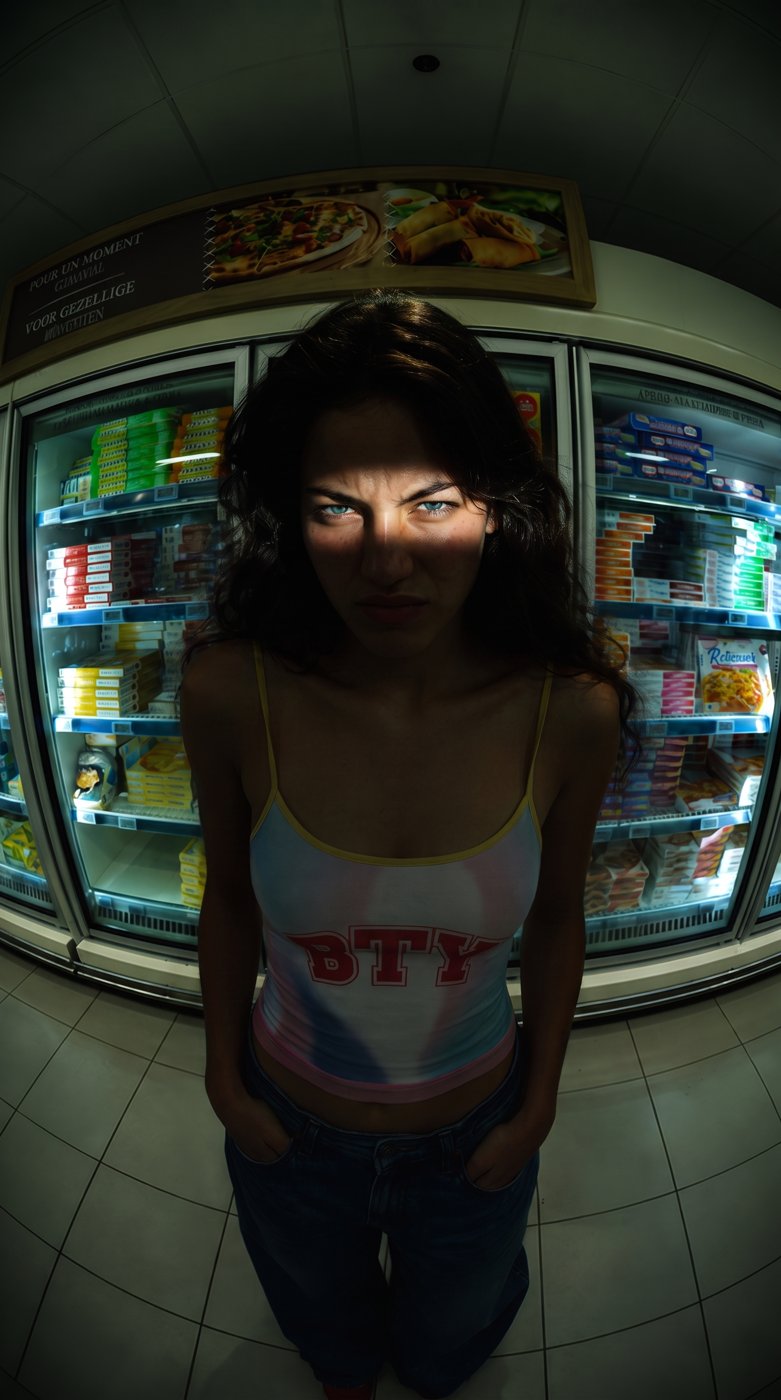
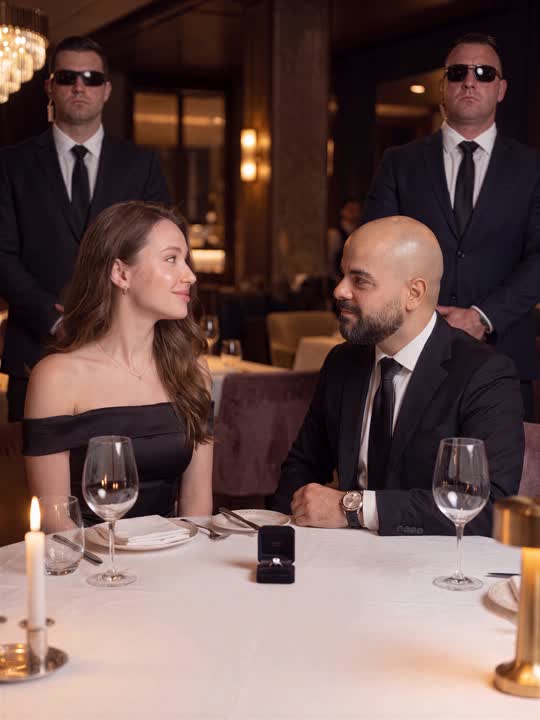
Create a cinematic scene with symmetrical framing, cold controlled lighting, minimal background movement, and a locked off camera. The subject should feel observed and boxed in by the environment. Let the tension come from composition, lighting, silence, and restrained motion.
8. Example Shot List
Shot · Visual direction
Opening shot · A clean symmetrical frame. The subject or object is centered. The environment feels controlled and slightly cold.
System study shot · Show the AI analyzing visual rules, lighting notes, framing notes, and motion rules on screen.
First generated frame · A still, cinematic frame with cold lighting, strong composition, and subtle tension.
Correction shot · Direct the AI with specific notes: more symmetrical, colder light, camera still, less movement.
Final reveal · Show the improved scene. It should feel more directed, more restrained, and more intentional.
9. Negative Prompt Rules
No random camera shake.
No over saturated colors.
No glossy commercial lighting.
No exaggerated facial expressions.
No fantasy particles, smoke, glitches, or effects unless requested.
No chaotic montage pacing.
No generic AI video look.
10. Final Quality Checklist
- Does the frame look intentional within the first second?
- Does the lighting feel motivated by the environment?
- Is the camera movement controlled or fully still?
- Does the scene build tension without relying on random motion?
- Does the output look like it followed a visual system?
- Would a viewer understand that this was directed, not randomly generated?
11. Upload Instruction for Agent One
Upload this document into the Context area of invideo Agent One before generating the video. Ask the agent to summarize the visual rules it learned first. Then direct each shot using short, specific instructions.
Suggested command
Study this director's bible. Before creating any shot, explain the framing rules, lighting rules, camera rules, color palette, and editing rhythm you will follow.
invideo Agent One: The AI for serious work
Comment INVIDEO to get access plus this director's bible.
More guides
All guides · All AI tools · Prompts · HandlyTech