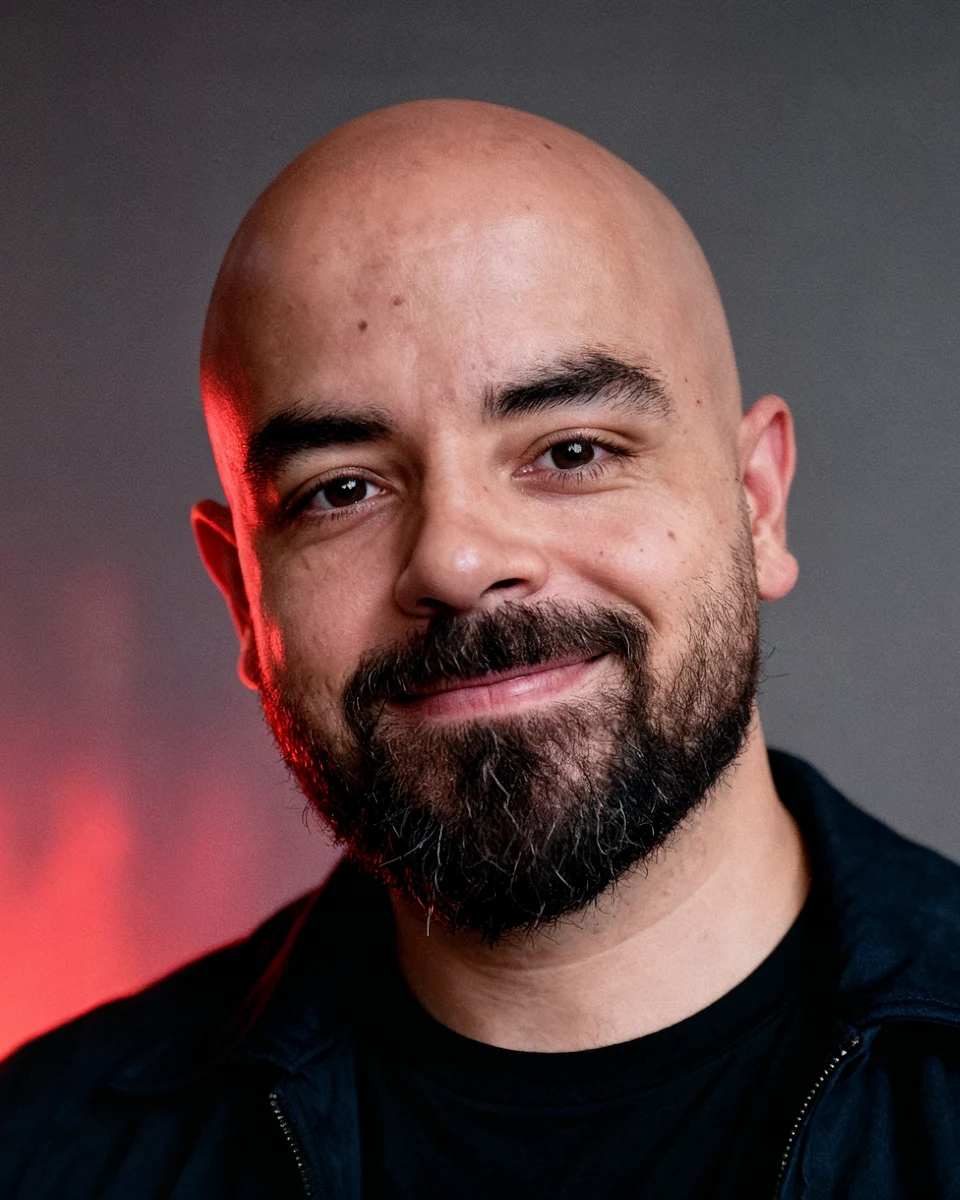
15 AI prompts you'll use
The full list of prompts from this carousel.
Copy, paste, and replace the bracketed words with your own subject, product, person, or scene.
How to use: upload your reference image, copy one prompt, paste it into your image tool, then replace anything inside [brackets].
1. 4K Enhanced
Ultra high resolution 4K enhancement based strictly on the provided reference image. Preserve exact identity, facial structure, expression, gaze, pose, framing, camera angle, perspective, clothing, hair, skin tone, and background layout with zero deviation. Restore fine detail in pores, eyelashes, hair strands, fabric texture, seams, and edges while keeping the original image fully intact. Improve sharpness, clarity, tonal depth, dynamic range, and overall fidelity without changing lighting direction, contrast relationships, composition, or subject proportions. No beautification, no reshaping, no relighting, no stylization, no artificial glow. Remove grain, compression artifacts, blur, and low resolution softness only.
2. Professional Portrait
Transform the reference image into a clean professional studio portrait while preserving the exact identity, facial features, hairline, expression, and clothing from the original photo. Tight head and shoulders framing, centered composition, direct eye contact, neutral confident expression, polished talent headshot aesthetic. Use a soft gray or seamless studio background with subtle falloff. Add balanced studio lighting with gentle facial shaping, clean skin detail, crisp eyes, realistic pores, and natural texture without smoothing or facial modification. Camera perspective should feel like an 85mm portrait lens. Sharp focus on eyes, slightly softer falloff on ears and shoulders, premium studio realism.
3. Product Ad
Product studio transformation. Isolate the main product from the reference image and rebuild it as a premium advertising composition. Keep the product shape, proportions, branding, colors, and material response accurate to the original. Place it in a clean commercial setup with hero centered framing, high end lighting, subtle reflections, polished shadows, depth, and premium visual separation. Surround with relevant ingredients, textures, or context elements arranged naturally depending on the product type. Add micro detail, clean highlights, realistic surface texture, and refined commercial contrast. Final result should look like a luxury product campaign image, sharp, intentional, and photorealistic.
4. Skin Texture Enhancement
Skin enhancement retouch that preserves original identity and facial structure completely. Refine skin texture without smoothing it away. Maintain pores, fine lines, freckles, natural highlights, and realistic tonal variation. Remove temporary blemishes, redness, and uneven patches only while keeping depth, texture, and facial realism intact. Do not reshape features, do not brighten unnaturally, do not soften details excessively. Eyes, lips, hair, and brows remain untouched except for natural clarity improvements. Invisible high end retouching only. Realistic beauty finish with no plastic skin and no fake glow.
5. Lighting and Blur Fix
Use the reference image exactly as the base. Preserve identity, pose, framing, composition, camera distance, and all scene elements with zero changes. Restore sharpness and clarity to a soft, blurry, or low light image while keeping the scene natural and believable. Reduce motion blur, focus softness, noise, grain, and low light haze without altering facial structure or image geometry. Improve detail in skin, hair, eyes, clothing, and edges. Refine exposure balance and tonal depth while maintaining the original lighting logic and mood. No relighting, no beauty filter, no stylization, only a clean realistic restoration.
6. Behind the Scenes
Raw on set behind the scenes snapshot. Crew filming a scene in progress, subject and environment preserved from the reference image but reimagined as a candid production moment. Include practical filmmaking details like a camera operator, lighting stands, cables, monitors, reflectors, or crew members slightly entering frame. Wardrobe, hair, makeup, and character styling must stay accurate to the scene. Imperfect handheld framing, slight motion blur, mixed lighting, realistic skin texture, subtle grain, and natural on set atmosphere. The final result should feel like an authentic behind the scenes photo captured during production, not a polished poster.
7. Famous Selfie
Raw iPhone selfie composition using the reference image as the base, with the subject standing close beside [famous person]. Preserve the subject’s exact identity, face, hair, skin tone, and casual realism. The famous person should appear naturally integrated, with both slightly leaning into frame. Use candid front camera perspective, handheld arm’s length framing, soft indoor or event lighting, slight flash effect, mild overexposure on highlights, subtle background blur, and imperfect selfie crop. Keep facial detail photorealistic, expressions relaxed and believable, like a spontaneous real life selfie taken in one moment.
8. Time Travel
Selfie style time travel image. The subject from the reference photo appears naturally inside a real historical setting. Preserve exact identity, facial detail, expression, pose, and selfie perspective. The subject should look like they are casually taking a phone photo while standing inside [historical era or location], with the environment fully rebuilt around them in accurate period detail. Natural handheld composition, slightly wide phone lens feel, realistic depth, ambient lighting matching the setting, and subtle imperfections from a real selfie. Background characters, architecture, props, and materials should feel authentic to the chosen time period. The result must look like a believable photo taken by a modern traveler inside the past.
9. Anime Style
Anime style transformation of the reference image while preserving the exact composition, pose, framing, expression, and identity cues of the original. Convert the subject into detailed hand drawn anime form with clean linework, expressive eyes, defined hair shapes, simplified but accurate facial structure, and polished cel shading. Keep clothing design, camera angle, and scene layout faithful to the original image. Background should also be converted into matching anime style with clean depth and atmospheric detail. No distortion, no exaggerated redesign, no random changes to composition. The result should feel like a premium anime adaptation of the same photo.
10. GTA Effect
Rebuild the entire reference image as a real time 3D game scene in a GTA style world. Convert people, vehicles, streets, props, and architecture into stylized but believable game assets with visible polygonal structure, clean hard surfaces, game engine textures, and strong environmental lighting. Maintain the original composition, pose, camera framing, and scene arrangement while translating everything into an authentic open world crime game aesthetic. Characters should look like modern game models, with slightly exaggerated realism, clean geometry, and sharp lighting. No photographic blur or lens artifacts. Final image should feel like a gameplay screenshot from a high end GTA inspired universe.
11. Painting Effect
Transform the reference image into a traditional fine art oil painting while preserving the exact composition, proportions, camera angle, lighting, colors, and scene structure. Apply realistic brushwork, layered pigments, subtle canvas texture, and soft painterly blending while keeping the original forms recognizable. Do not alter the subject’s identity, pose, or environment layout. Edges may become slightly softened in a natural painted way, but the image should still clearly match the source. No abstraction, no surreal reinterpretation, no redesign. The result should look like the same photo carefully repainted by a skilled classical oil painter.
12. Clean Background
Keep the subject fully photorealistic and untouched from the reference image. Preserve exact identity, face, hair, skin texture, expression, pose, clothing, and camera perspective. Remove the original background and replace it with a clean, minimal, premium environment such as a plain studio wall, modern office, soft gradient backdrop, or elegant interior depending on the subject. Match natural lighting, shadow direction, edge detail, and depth so the replacement feels seamless and realistic. No stylization, no changes to the subject, no fake cutout look. Final result should feel like the original photo was captured in a cleaner, more intentional setting.
13. Cinematic Movie Scene
Transform the reference image into a cinematic movie still while preserving the exact subject identity, facial structure, pose, framing, and environment mood. Add dramatic film lighting, controlled contrast, atmospheric depth, subtle lens bloom, realistic shadows, and rich cinematic color grading. Keep skin texture, hair detail, wardrobe, and props grounded and photorealistic. The scene should feel like a frame from a high budget film, with story tension, visual mood, and polished production value. No major composition changes, no fantasy redesign unless specified. Keep it realistic, immersive, and emotionally charged.
14. Old Photo Restoration
Restore the reference image as if it were a damaged old photograph being professionally recovered. Preserve exact identity, expression, pose, clothing, and original photo composition. Repair fading, scratches, dust, torn edges, stains, blur, grain, and age related damage while rebuilding lost detail in the face, hair, clothing, and background. Keep the restored result natural and period appropriate, without modern beautification or artificial enhancement. If the image is black and white, maintain realistic grayscale tones unless colorization is specifically requested. The result should feel like a true archival restoration, clean, respectful, and authentic.
15. Minecraft Effect
Transform the reference image into a Minecraft inspired 3D voxel world while preserving the original composition, pose, camera angle, clothing colors, expression, and identity cues. Convert the subject into a blocky voxel character with cube shaped facial features, simplified hair and beard blocks, pixelated clothing, and clean low poly geometry. Rebuild the background as a believable Minecraft environment with square blocks, voxel lighting, blocky clouds, simple terrain, and game style depth. Keep the scene recognizable from the original image while making everything feel like a high quality Minecraft screenshot. No random changes, no extra characters unless requested, no realistic skin texture.
Save this for later
More guides
All guides · All AI tools · Prompts · HandlyTech