A movie scene with 4 AI agents
Camera, look, sound and finishing agents in invideo Agent One.
Tools in this guide: InVideo
4 agents. One room. One AI movie.
The final visual direction: cinematic AI war room + boss + 4 agents.
Use this as a visual recipe to recreate the video, not as an editor storyboard.
The simple idea
I wanted the video to feel like a cinematic final boss scene, not a normal AI tutorial.
The story in one sentence: A bad AI movie fails in front of the boss, then 4 specialized agents enter the room and fix it together.
The structure
1. Show the bad AI movie first.
2. Introduce the boss/director.
3. Reveal the 4 agents.
4. Give every agent one clear job.
5. Run all agents at once inside one project.
6. Show the improved result.
7. End with the real message: I still direct. They execute. I decide.
Quick blueprint
Part · Purpose
Boss · Represents the creator/director.
Character Agent · Fixes face consistency and character drift.
Camera Agent · Fixes shots, framing, and camera movement.
Look Agent · Fixes lighting, color, and cinematic mood.
Finishing Agent · Fixes cleanup, render, and final polish.
Room · Keeps everything connected visually.
Same Context · The product idea: multiple agents working in one shared project.
Step 1: Design the boss and the 4 agents
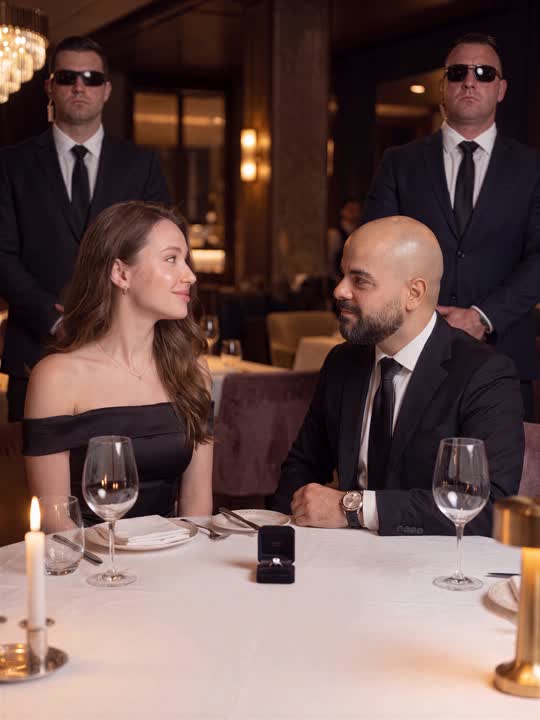
The boss/director. Serious, calm, powerful.
The boss is the director of the whole scene. He is not a random character. He represents the creator who makes the final decisions.
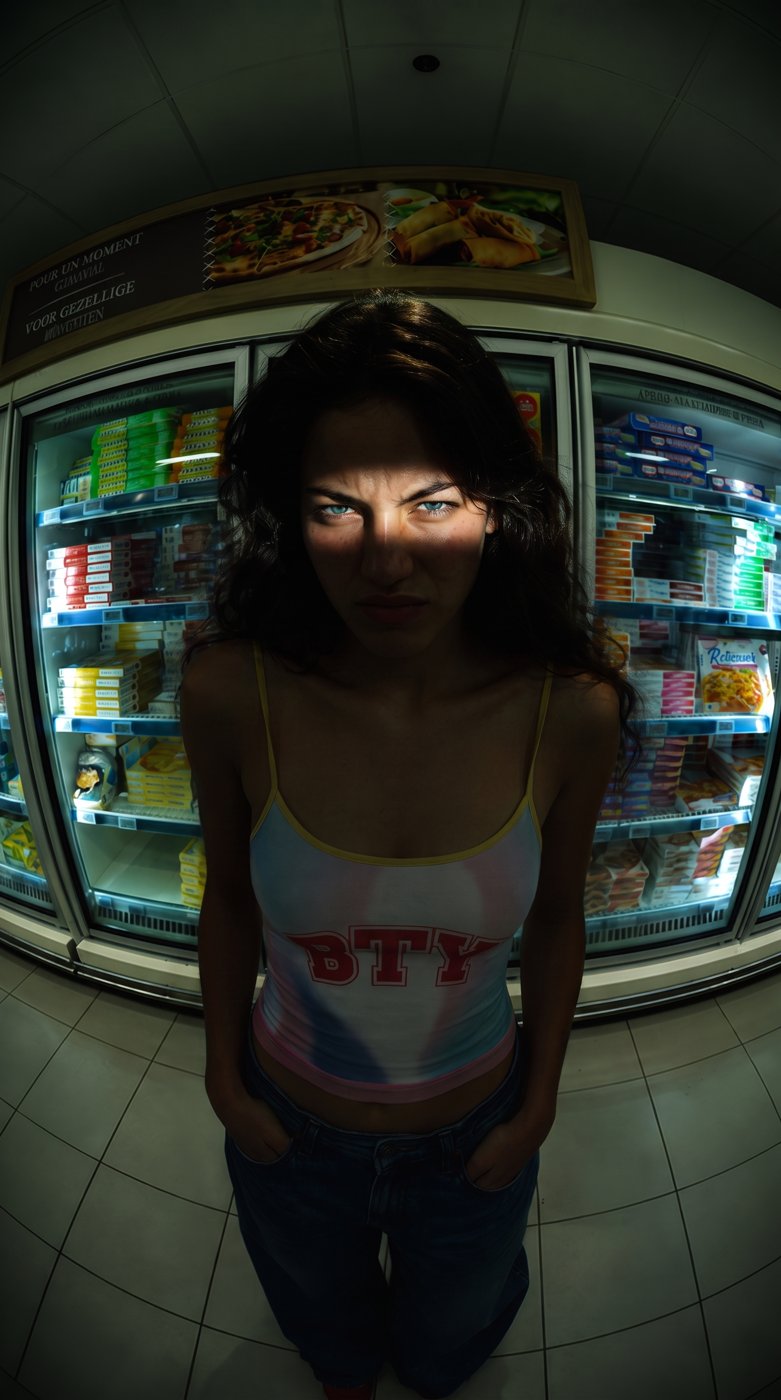
The 4 agents: Each agent has a unique look and a unique job, so viewers understand them instantly.
Character rules
- Give each agent a clear visual identity: color, outfit, prop, and role.
- Keep repeating the same details in every prompt.
- Do not make the agents look too similar.
- Use close-ups to hide small AI consistency mistakes.
Step 2: Build one cinematic room
The room acts like the set. Same room, same lighting, same cinematic world.
The room was the most important piece because it made the entire video feel connected. I kept the same war room style across the whole video.
Room visual direction
- Dark futuristic meeting room.
- Red and blue cinematic lighting.
- Big screen in front of the boss.
- Smoke, reflections, glossy table, and soft spotlights.
- A final boss atmosphere, not a normal office.
Room prompt template
Dark cinematic AI war room, final boss meeting room, glossy black table, giant screen, red and blue lights, smoke in the air, dramatic spotlights, high contrast, cinematic reflections, ultra realistic, 4:5 composition
Step 3: Create story scenes, not random images
The video works because it has a clear before -> problem -> team -> result flow.
I generated the video like a short film. Every image had a purpose in the story.
Scene order to recreate it
1. Boss watching the failed AI movie.
2. Screen showing the bad result or face glitch.
3. Agents sitting in front of the boss.
4. Boss questioning the agents.
5. Each agent answering with their role.
6. Boss gives the main command: Run everything at once.
7. Agents working together in parallel.
8. Improved cinematic result on the screen.
9. Final hero shot with the creator/director message.
10. Optional funny payoff shot for personality.
Important: Do not start with the tool. Start with the problem. The tool reveal feels stronger after the audience understands what needs to be fixed.
Step 4: Use prompt templates for each character
Boss / Director
Serious final boss director sitting in a dark AI war room, black suit, calm powerful expression, red cinematic light above, assistants blurred behind him, glossy desk reflection, ultra realistic, cinematic close-up
Character Agent
AI character consistency agent, burgundy blazer, red glasses, holding face reference cards, confident expression, dark cinematic AI war room, red and blue lighting, ultra realistic portrait
Camera Agent
AI camera agent, navy film crew vest, headset, holding clapperboard, pointing at the shot, cinematic war room background, red and blue lighting, ultra realistic portrait
Look Agent
AI look and color agent, emerald green jacket, amber glasses, red glove, holding color fan, elegant cinematic mood, dark AI war room, ultra realistic portrait
Finishing Agent
AI finishing and render agent, white jacket, white cap, holding tablet with render interface, focused expression, dark cinematic AI war room, ultra realistic portrait
Step 5: Write the dialogue like a movie
The dialogue should explain the product without sounding like a tutorial.
Boss: What is this?
Boss: Why does he have three different faces?
Boss: Explain.
Character Agent: I can fix the face.
Camera Agent: I can rebuild the shots.
Look Agent: I can make it look expensive.
Finishing Agent: I can clean the final scenes.
Boss: Good. Run everything at once.
Boss: All working in parallel. Same Context.
Boss: I still direct. They execute. I decide.
Step 6: Make the images feel alive
Use movement and sound to turn still images into a cinematic scene.
Animation checklist
- Slow push-ins on serious boss shots.
- Tiny handheld motion on room shots.
- Parallax on close-ups when possible.
- Smoke overlay and screen glow for atmosphere.
- Glitch sound and digital distortion on the failed AI movie.
- Fast 0.4 to 0.8 second cuts when the agents start working.
- Mouth animation only on the key speaking shots.
Product reveal: After the story is clear, show the tool naturally: one project, multiple agents, same Context. This is the point that makes the video useful for followers.
Do not make the whole video a screen recording. Use the UI as proof, not as the main visual.
Step 7: Final follower version
Final payoff: the AI team exists, but the creator is still the director.
I still direct. They execute. I decide.
More guides
All guides · All AI tools · Prompts · HandlyTech